
New Features version 1.50 (15-nov-2022):
- Fixed description editor.
New Features version 1.35 (29-may-2019):
- You can add now Images as Icons to the Food Tags.
- New setting to display Food Tags as Icons/Text.
- New settings to change the default UNITS for the Nutrition Facts.
- New setting menu to display the ‘More’ link on menu items.
- Small bugs fixed.
New Features version 1.25 (10-jan-2018):
- Added new params to shortcodes, you can use now:
- erm_menu id=xx show_title=yes show_header=yes show_footer=yes
- erm_menu_week id=xx show_title=yes show_header=yes show_footer=yes
- show_title -> will display the title of the menu
- show_header = will display the header of the menu
- show_footer = will display the footer of the menu
New Features version 1.12 (8-jul-2017):
- Hide menu items. You can add menu items to the menu and show/hide them at the front-end when you need.
- Menu pages can change URL from ../qr_menu/.. to another slug as you need for SEO purposes.
New Features version 1.10 (4-jan-2017)
- Duplicate complete menus: will create new menu items in the duplicate menu
- Clone complete menus: will use the same menu items in the cloned menu
General Features version 1.0:
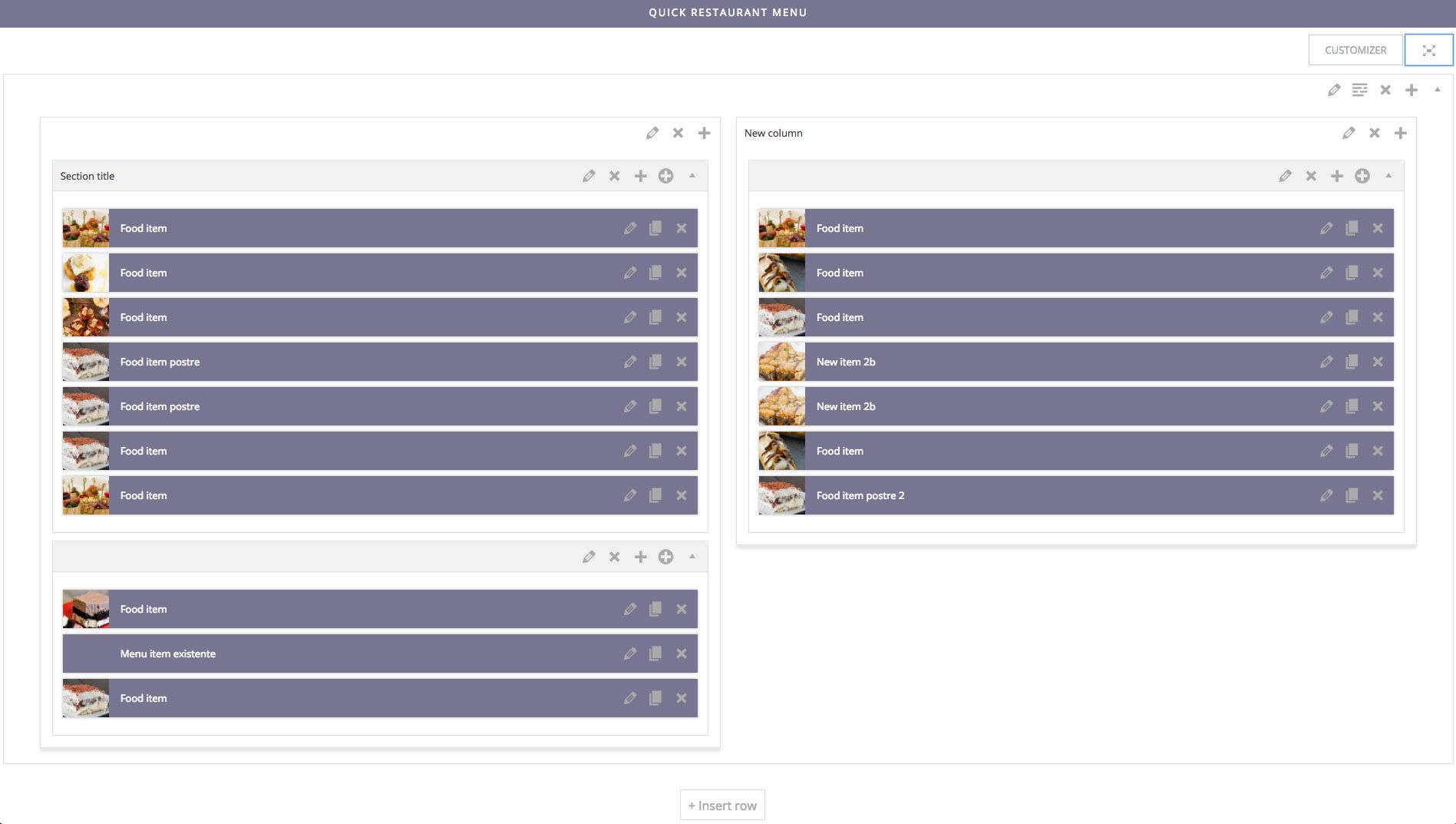
- Create your menu with a full-screen drag & drop builder
- Menu items can be created directly from the menu
- Add different prices, nutrition facts and diet tags to each menu item
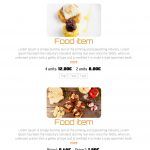
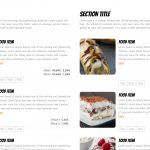
- Display with different layouts: expanded, dropdown, horizontal tabbed, vertical tabbed
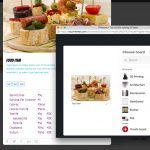
- Lightbox with pictures
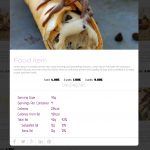
- Popup with menu item details
- Each menu item has it’s own page and is searchable
- Share your menu items in facebook, google-plus, twitter, pinterest and linkedin
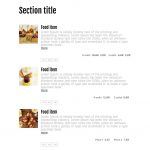
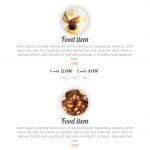
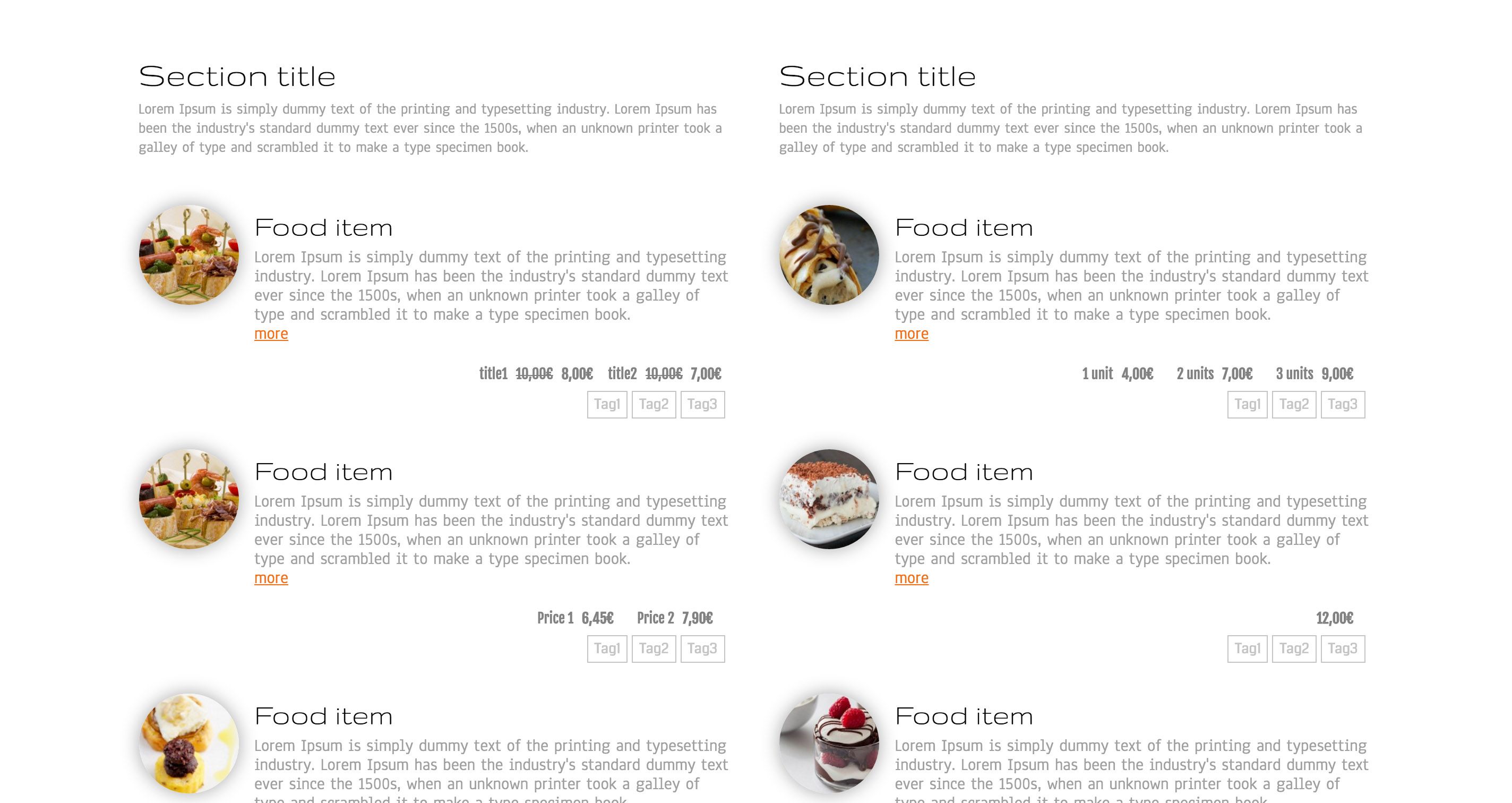

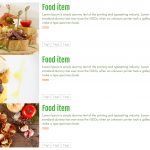

Customize your menu:
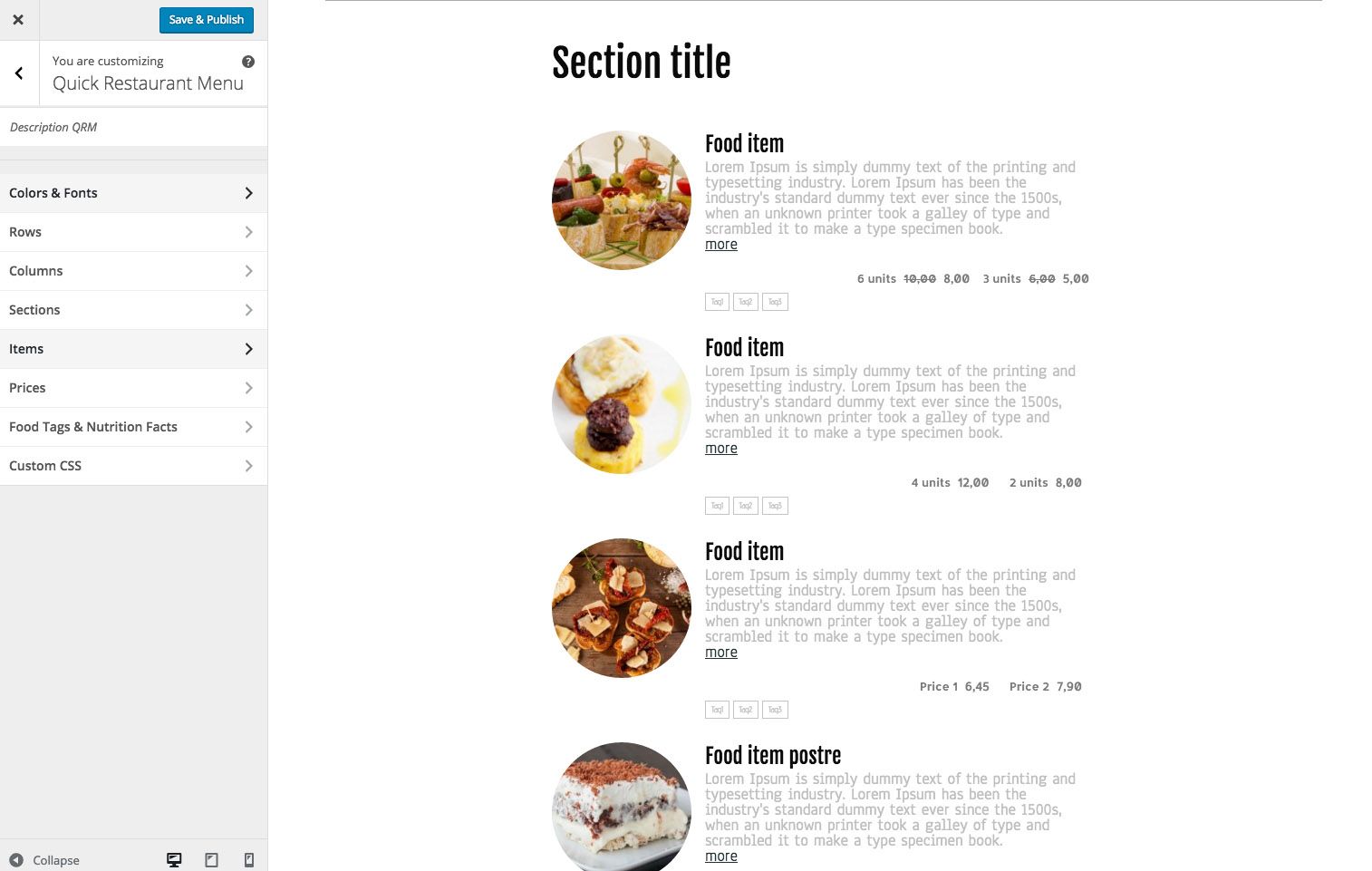
- Customize your menus with lots of options
- Select colors and font families
- Image resolution and size
- Image with subtle shadow
- Font size, line heights and margins

Menu builder:
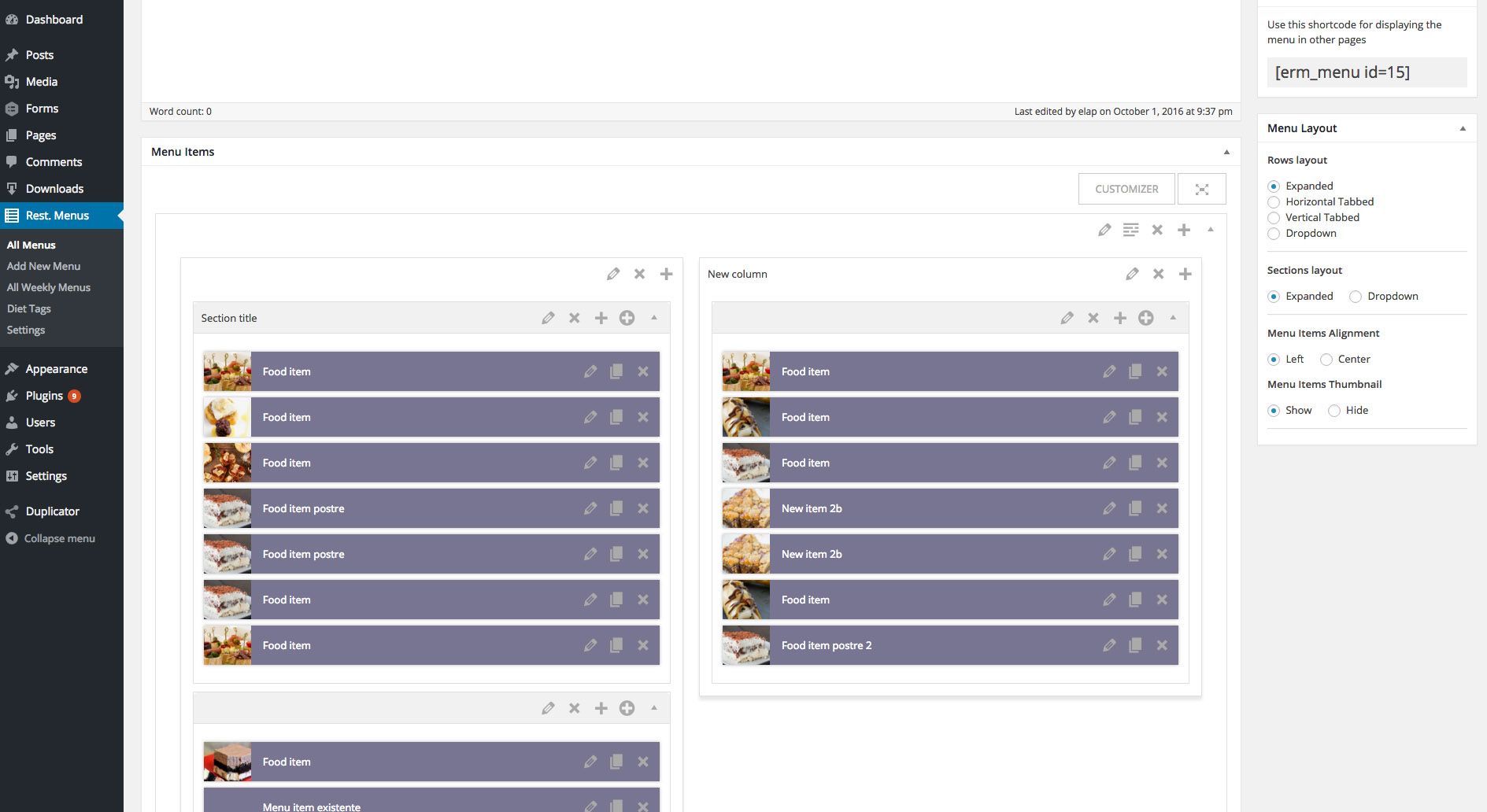
- Group your menu items in Rows, Columns & Sections.
- Drag and Drop functionality
- Create menu items from inside the menu
- Duplicate menu items to easily create new ones
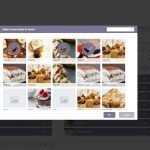
- Add existing menu items from other menus
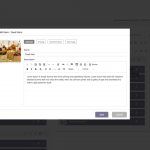
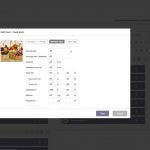
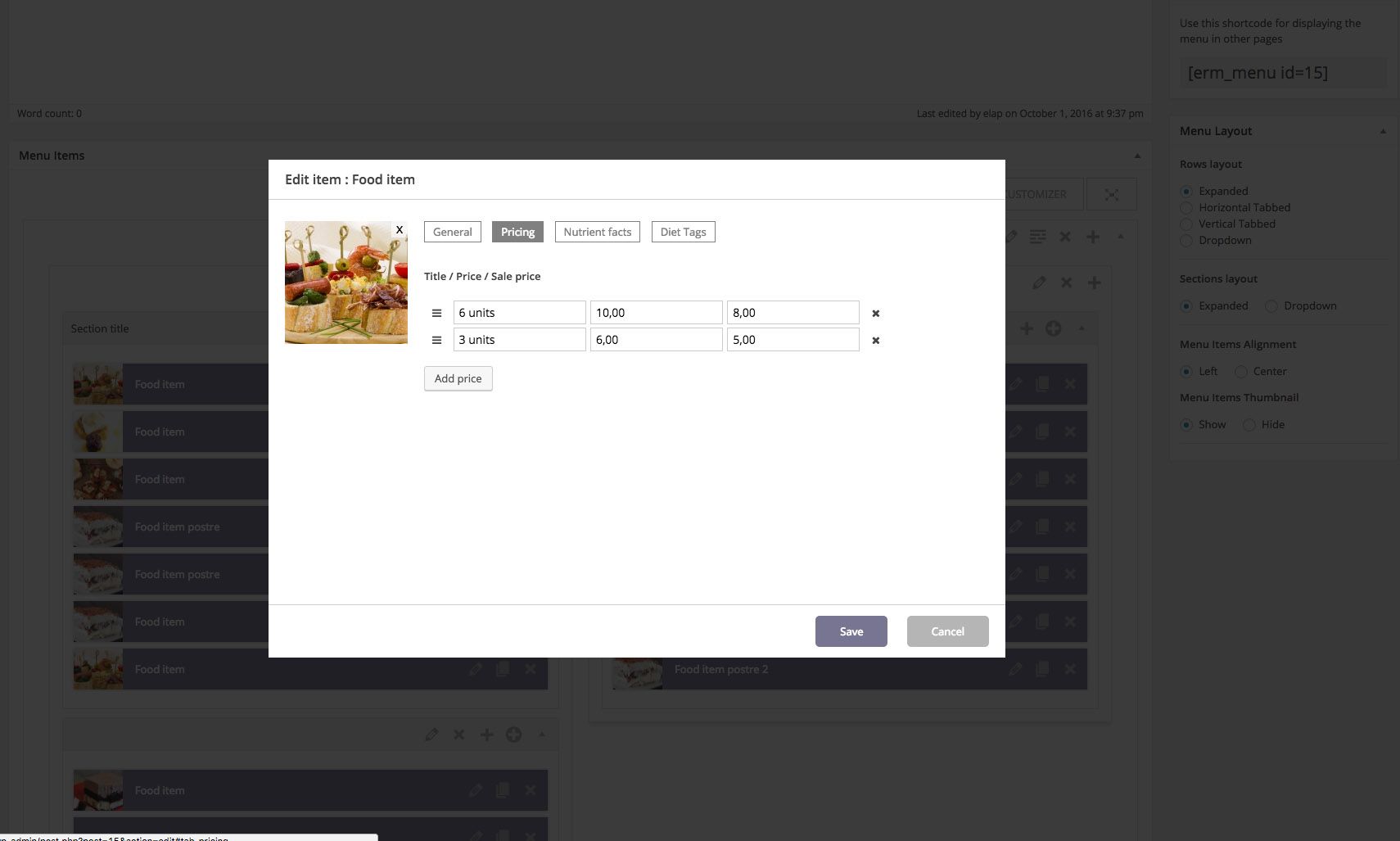
- Popup editor
- Pricing with title, normal price and sale price
- Nutrient facts
- Diet tags
Examples of menus created by our clients:
http://blindpignyc.com/menus/dinner/
CHANGELOG
v 1.50 (15-Nov 2022)
- Fixed description editor
v 1.35 (29-May 2019)
- Food tags icons
- Fixed bug with description editor when using tables
- New settings to modify default units for Nutrition Facts
- Optional ‘More’ link for menu items
v 1.25 (10-Jan 2018)
- New params added to shortcodes
- erm_menu id=xx show_title=yes show_header=yes show_footer=yes
- erm_menu_week id=xx show_title=yes show_header=yes show_footer=yes
v 1.12 (8-July 2017)
- URL for menus can be changed from qr_menu to another slug
- Menu items can be hidden at the front-end (you can keep them in the menu)
- Small issues fixed
v 1.10 (4-jan-2017)
- Duplicate complete menu added
- Clone complete menu added
- Issue with food tags fixed
v 1.0 (4-sep-2016)
- Drag & Drop builder with rows, columns and sections
- Different layouts for menu
- Weekly menus
- WP Customizer integration
- Customize fonts, colors, margins, alignments
- Customize image sizes, border-radius and shadows
- Add your food tags
- Prepared to fill Nutrition Facts
- Lightbox with menu images
- Popup with menu item details
- Sharing option